Port forwarding
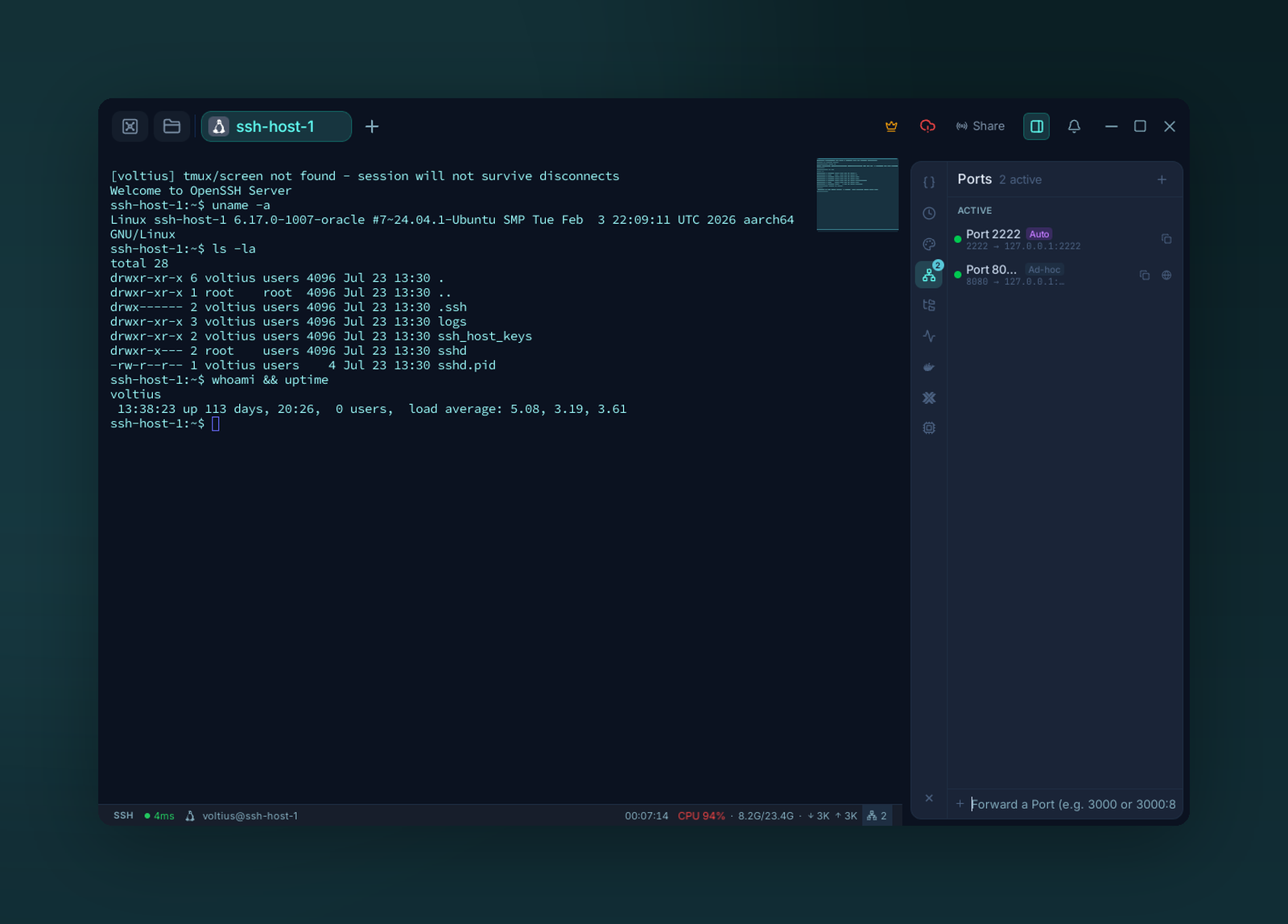
The Ports panel — auto-detected and manually created forwards, live. Type a port to forward one.
Three tunnel types, mapped to the OpenSSH equivalents.
Tunnel types
Open something from the SSH server on your machine.
localhost:3000 on your computer → 127.0.0.1:3000 on the server.
Use case: reach a service that only listens on the server's loopback.
Expose something from your machine on the SSH server.
The server listens on a port and forwards traffic back to you.
Use case: share a local dev server with a teammate via a bastion.
SOCKS5 proxy on your machine.
Point a browser or app at localhost:1080 to route all its traffic through the SSH server.
Use case: browse as if from inside the server's network.
Creating a rule
Port Forwarding tab → +. Pick a tunnel type, the host, the ports.
Running
Each rule has Start / Stop in its card. Active tunnels appear in the Active tunnels section at the top of the page with a live status indicator.
Auto-start
Tag a rule Auto-start to bring it up whenever the host connects.