First connection
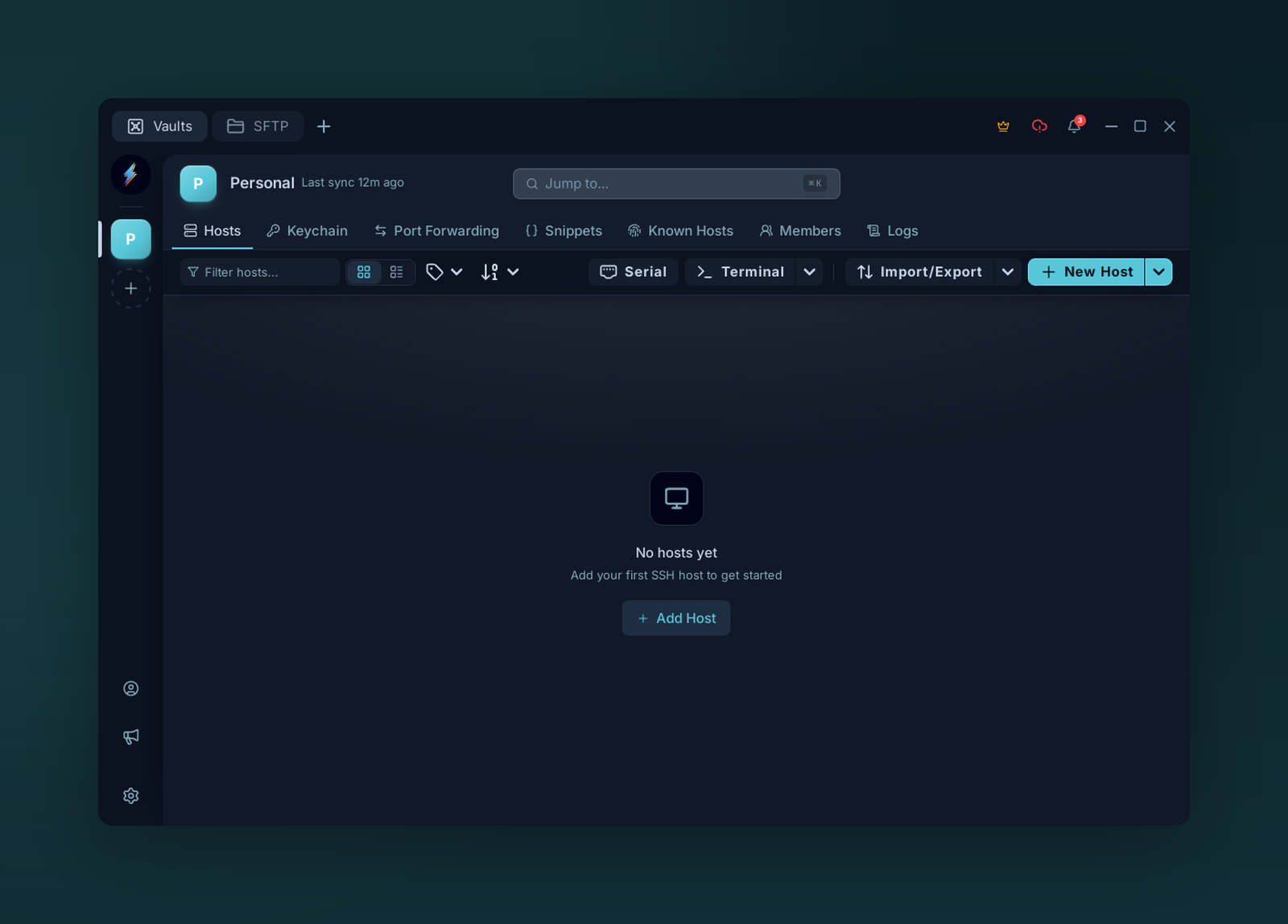
The Hosts page — click Add Host to create your first connection.
1. Add a host
On the Hosts tab, click Add host. Fill in:
| Field | Default |
|---|---|
| Host | hostname or IP |
| Port | 22 |
| Username | root |
| Auth type | Password or Key |
2. Auth
Type it in. Stored locally in your XChaCha20-Poly1305 vault — never sent to a server.
Pick an Identity (username plus reusable password or key credentials) from the dropdown, or click + New. See Identities.
3. Connect
Click Save, then click the host card. First-time hosts prompt for fingerprint approval — see Known hosts.
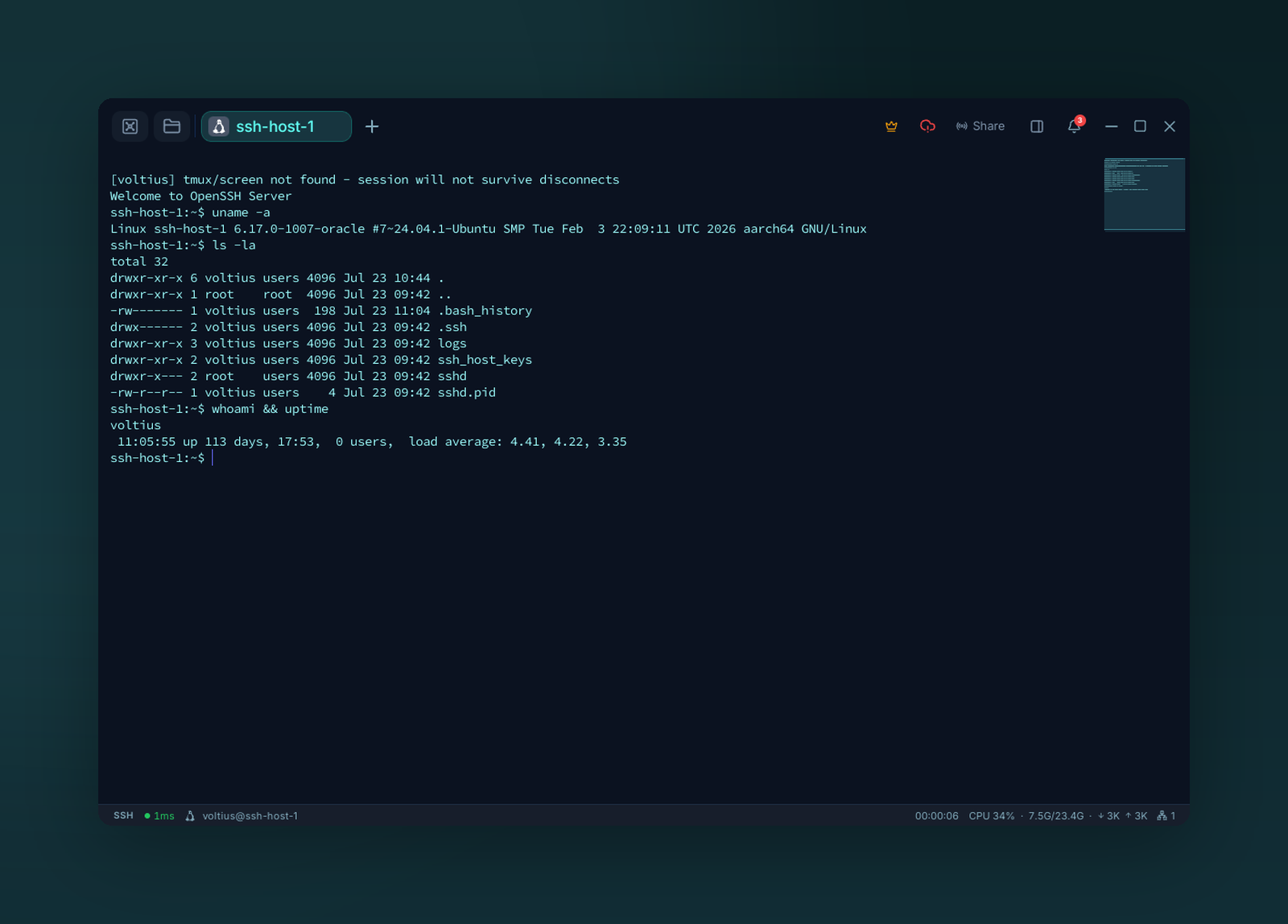
Your first terminal session, connected over SSH.
Next
- Folders & tags — before the list gets long.
- Identities — reuse one key across hosts.
- Ctrl+K / Cmd+K — connect from the command palette.