Managing
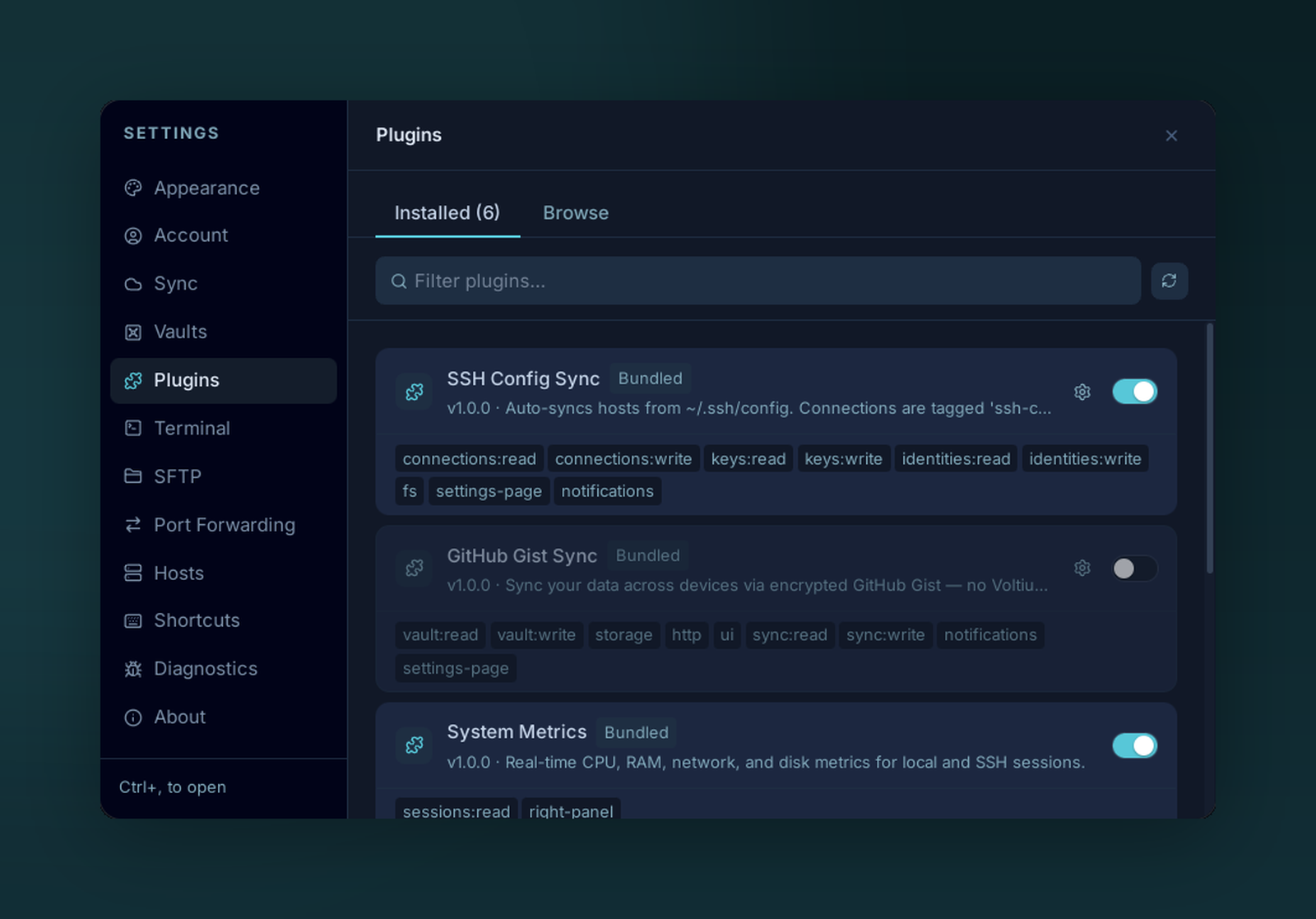
Settings → Plugins → Installed — every plugin with its version and permission scopes.
Settings → Plugins → Installed.
Per-plugin actions
| Action | What |
|---|---|
| Toggle | Enable / disable. Disabling calls the plugin's cleanup hook. |
| Configure | Opens the plugin's settings page (or a generated form from contributes.configuration). |
| Reload | Re-run the plugin's register function. Use after editing a local plugin. |
| Update | Pull a newer release if available. |
| Uninstall | Removes the folder under $APP_DATA/plugins/. Per-plugin storage and vault entries are kept unless you also clear them. |
Plugin data locations
| Item | Path |
|---|---|
| Code | $APP_DATA/plugins/<id>/ |
Storage (api.storage) |
$APP_DATA/plugin-data/<id>.json |
Vault (api.vault) |
Inside your Voltius vault, scoped to plugin:<id>:* |
| Logs | Console output is prefixed [plugin:<id>] |
$APP_DATA is %APPDATA%\Voltius\ (Windows), ~/Library/Application Support/Voltius/ (macOS), ~/.config/Voltius/ (Linux).