Custom repos
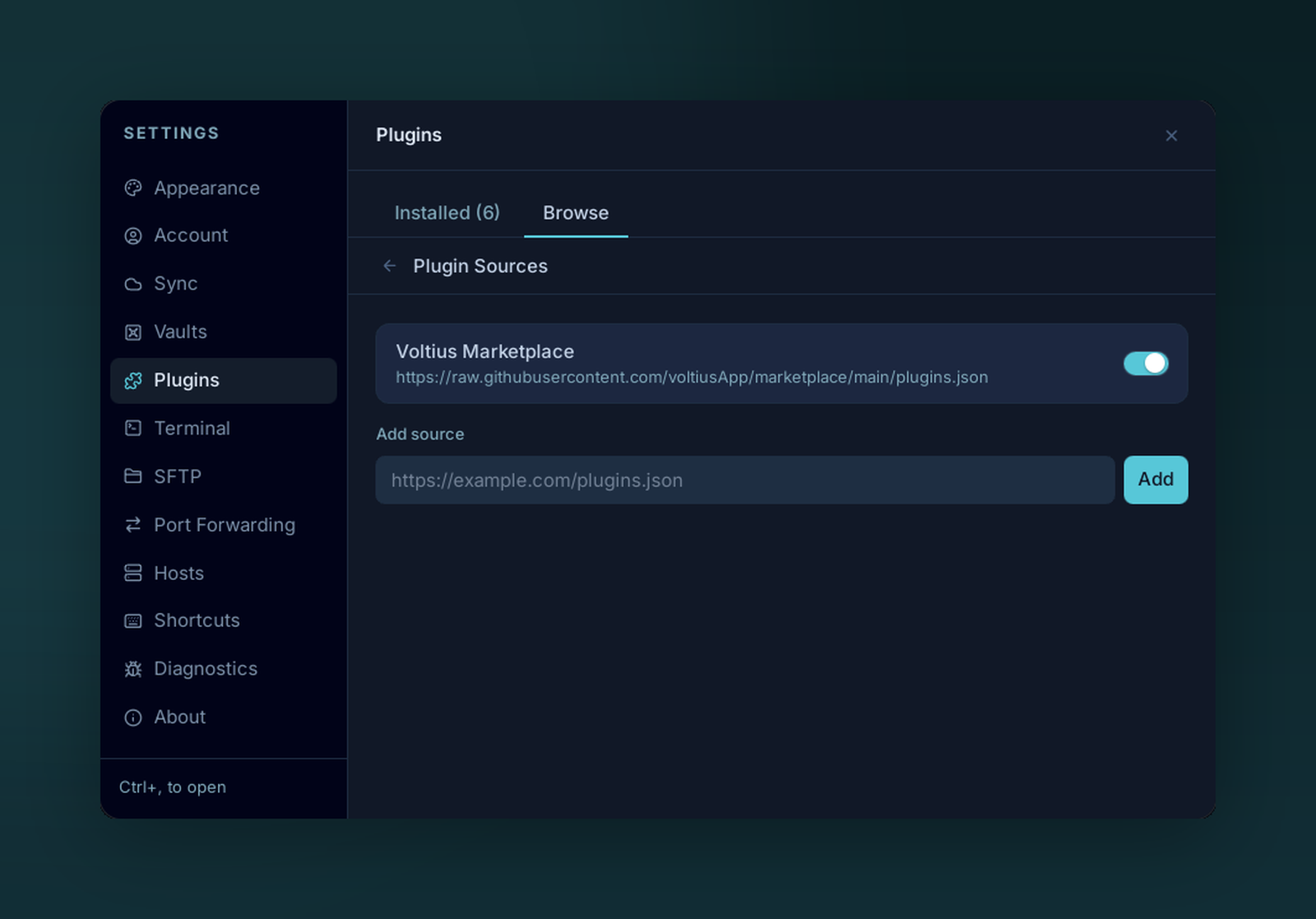
Add your own plugin source by URL under Plugin Sources.
Point Voltius at a different registry — your team's, a fork, a local file.
Adding one
Settings → Plugins → Sources → + Add source.
A source is a URL to a plugins.json file with the same schema as the official marketplace. Examples:
https://raw.githubusercontent.com/your-org/voltius-plugins/main/plugins.jsonhttps://internal.example.com/voltius/plugins.jsonfile:///home/you/plugins/plugins.json(local dev)
Multiple sources can be active at once — Voltius merges them in the Browse tab and de-dupes by id.
Schema
{
  "id": "my-plugin",
  "name": "My Plugin",
  "author": "acme",
  "description": "What it does.",
  "repo": "acme/voltius-plugin-my-plugin",
  "version": "1.0.0",
  "minAppVersion": "0.1.0",
  "tags": ["productivity"],
  "theme": false
}
See the marketplace README for the full reference.
Trust the source
Plugins run JavaScript in the same process as the app. Only add registries you trust.