Vaults
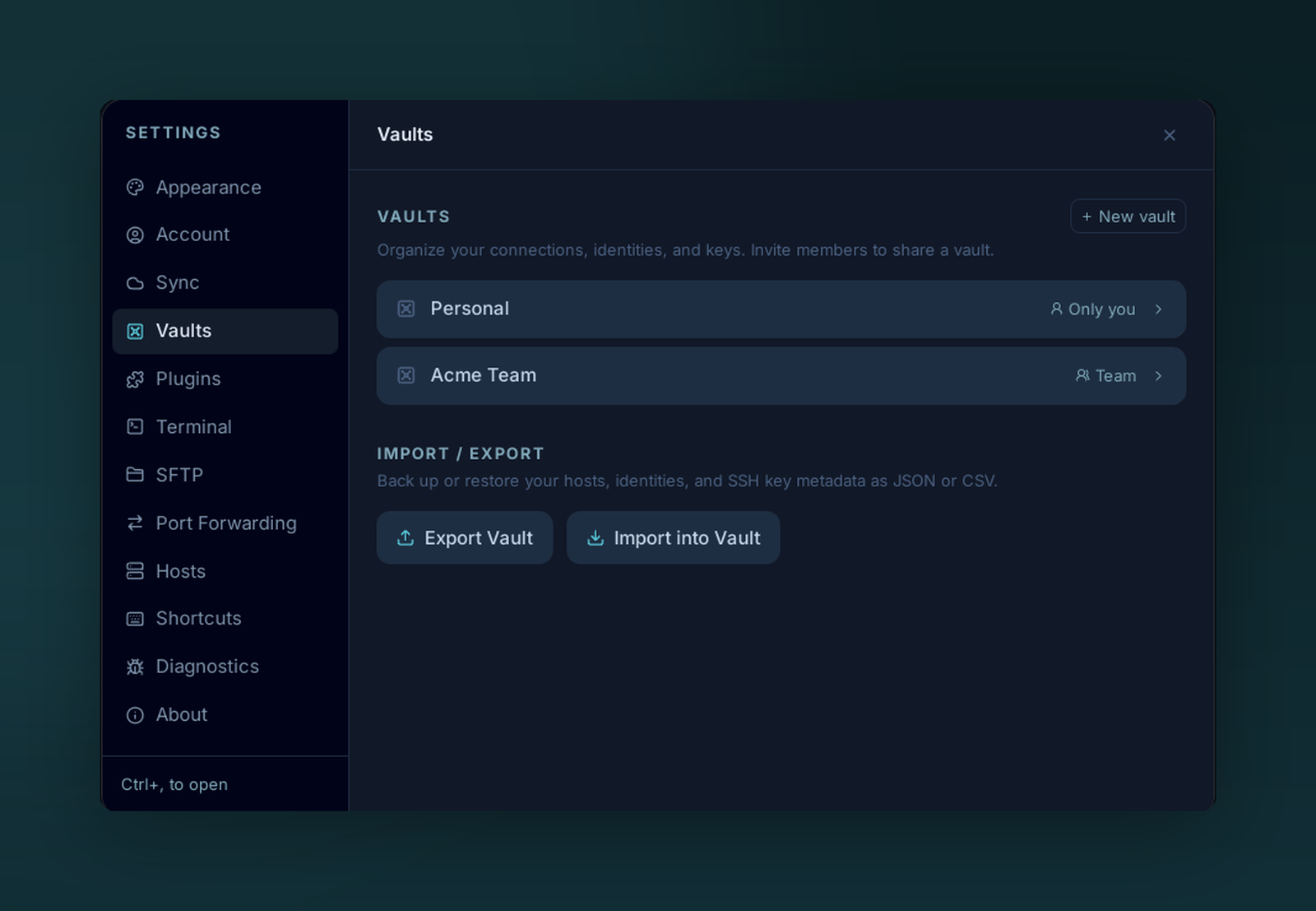
Vaults keep contexts separate. Your Personal vault is private to you; a Team vault is shared with — and end-to-end encrypted for — everyone you invite.
A vault is one encrypted store. Each vault has its own key — moving a host between vaults re-encrypts its secrets.
Default vaults
- Personal — everyone has one. Local-only by default; syncs if you enable Cloud sync, Gist sync, Cloudflare sync or S3 sync.
- Team / Business — created from the Teams settings. Shared with other members; access is server-enforced.
What's in a vault
Each vault holds its own set of:
- Hosts
- Keys
- Identities
- Snippets
- Folders & tags
Sidebar
- Click a vault to scope every list (Hosts, Keychain, Snippets…) to its contents.
- All shows everything you have access to across vaults.
- Right-click a vault for Rename, Lock, Export (Personal only).
Lost master password = lost vault
Personal vaults locked with a master password have no recovery path. Voltius does not hold an escrow key. Back up via Settings → Vaults → Export or enable Cloud sync.