Master password
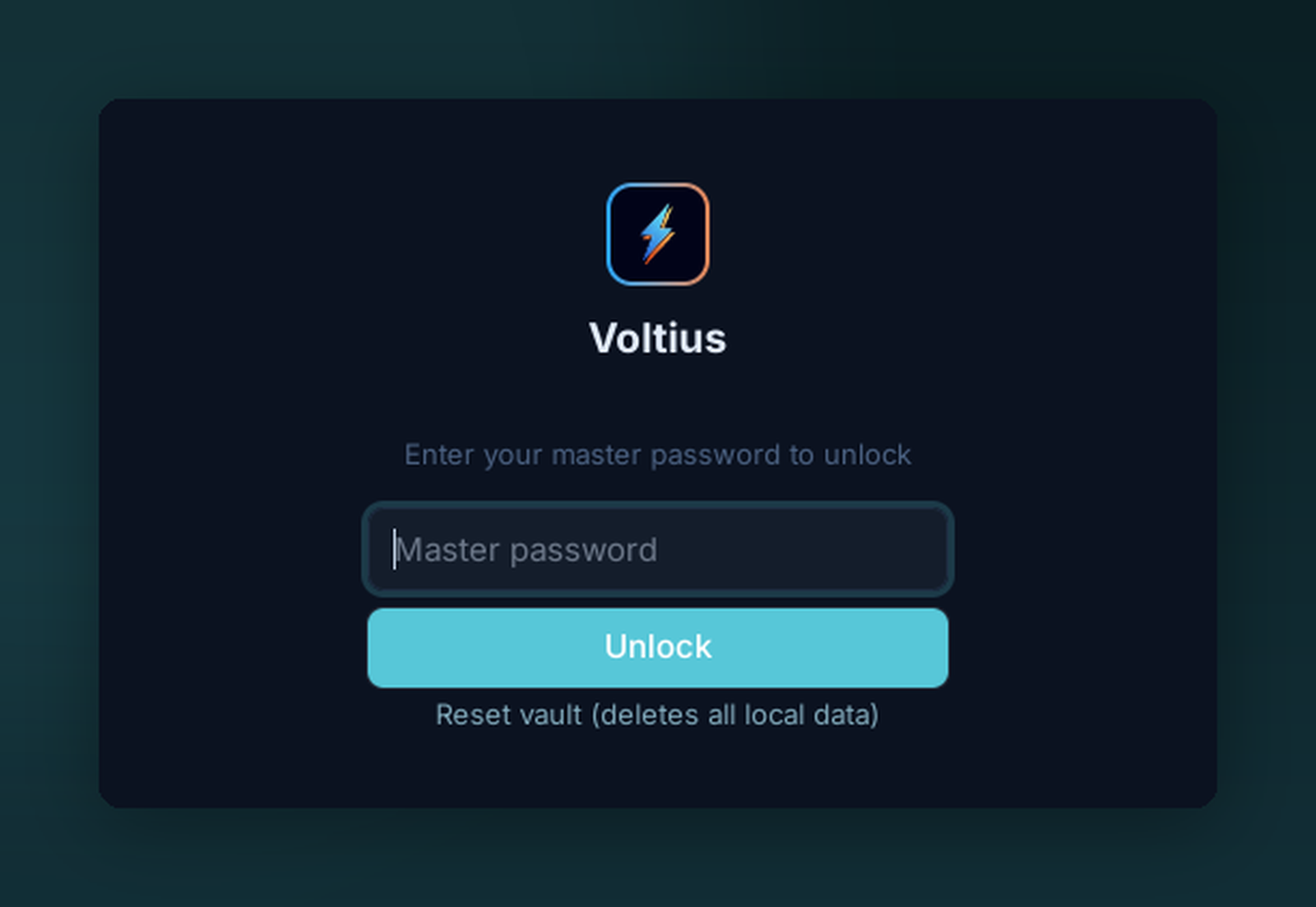
With a master password, Voltius asks for your passphrase at every launch before decrypting the vault. There's no recovery — the key is derived from your password, never stored.
Lock your vault with a passphrase. Required to unlock at every launch.
Setup
Settings → Vaults → Personal → Change unlock method → Master password.
- Pick a passphrase you'll remember. There is no recovery.
- Voltius derives the encryption key with Argon2id + HKDF-SHA256 — see Security → Encryption for exact parameters.
What's encrypted
The vault file (secrets.enc) holds your passwords, private keys, and any other secrets — all XChaCha20-Poly1305 encrypted under the derived key.
Metadata (hostnames, names, tags) lives in a separate file and is not encrypted with this key. See Security → Encryption for the full breakdown.
Trade-offs
| Pros | Cons |
|---|---|
| Survives OS account compromise | Prompt at every launch |
| Portable across machines (with sync) | No recovery if forgotten |
No escrow
Voltius does not store, hash, or escrow your master password. Forget it = lose the vault. Sync to a Gist, Cloudflare, S3 or Cloud target so you have at least one other copy.