Sharing
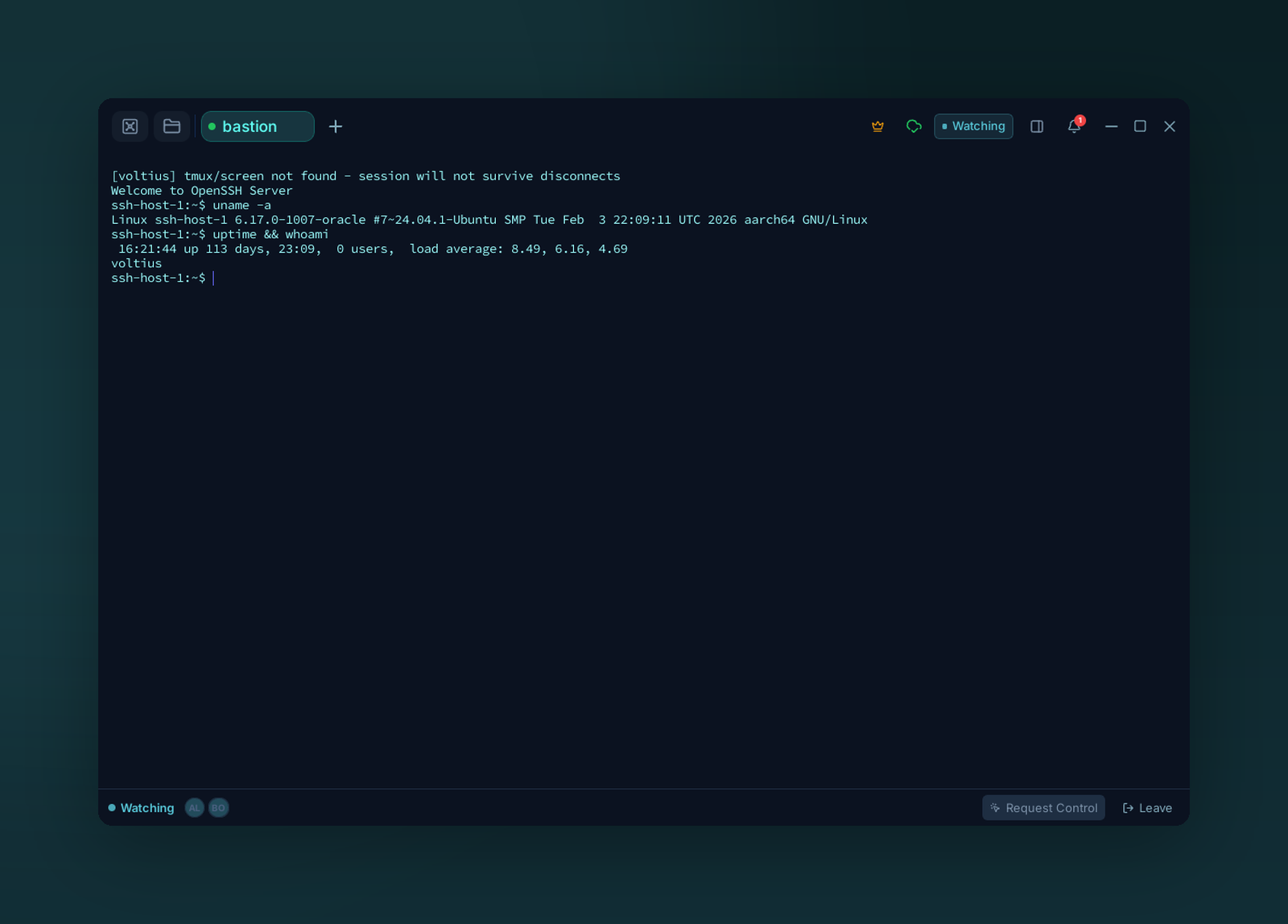
Guests watch the session live as it happens. Any guest can request control; the host grants or revokes it, and either side can leave whenever.
Live, collaborative terminal sessions.
Plans
| Plan | Active sessions | Guests per session |
|---|---|---|
| Free | — | — |
| Pro | 1 | 1 |
| Teams | 5 | 10 |
| Business | 20 | 50 |
Sharing a session
Open the Share menu on a terminal tab → Start sharing. Voltius generates a one-time link. Send it via your channel of choice.
What guests can do
| Mode | Guest can |
|---|---|
| View | Watch the session live |
| Control | Type into the terminal |
You stay the host — kicking guests is one click in the multiplayer bar.
Audit
Every shared session is recorded in the audit log (Teams/Business): who joined, when, what they typed (Business only).
Out-of-band auth
Share links don't authenticate by themselves — anyone with the link can join. Send via a channel you trust.