SSH keys
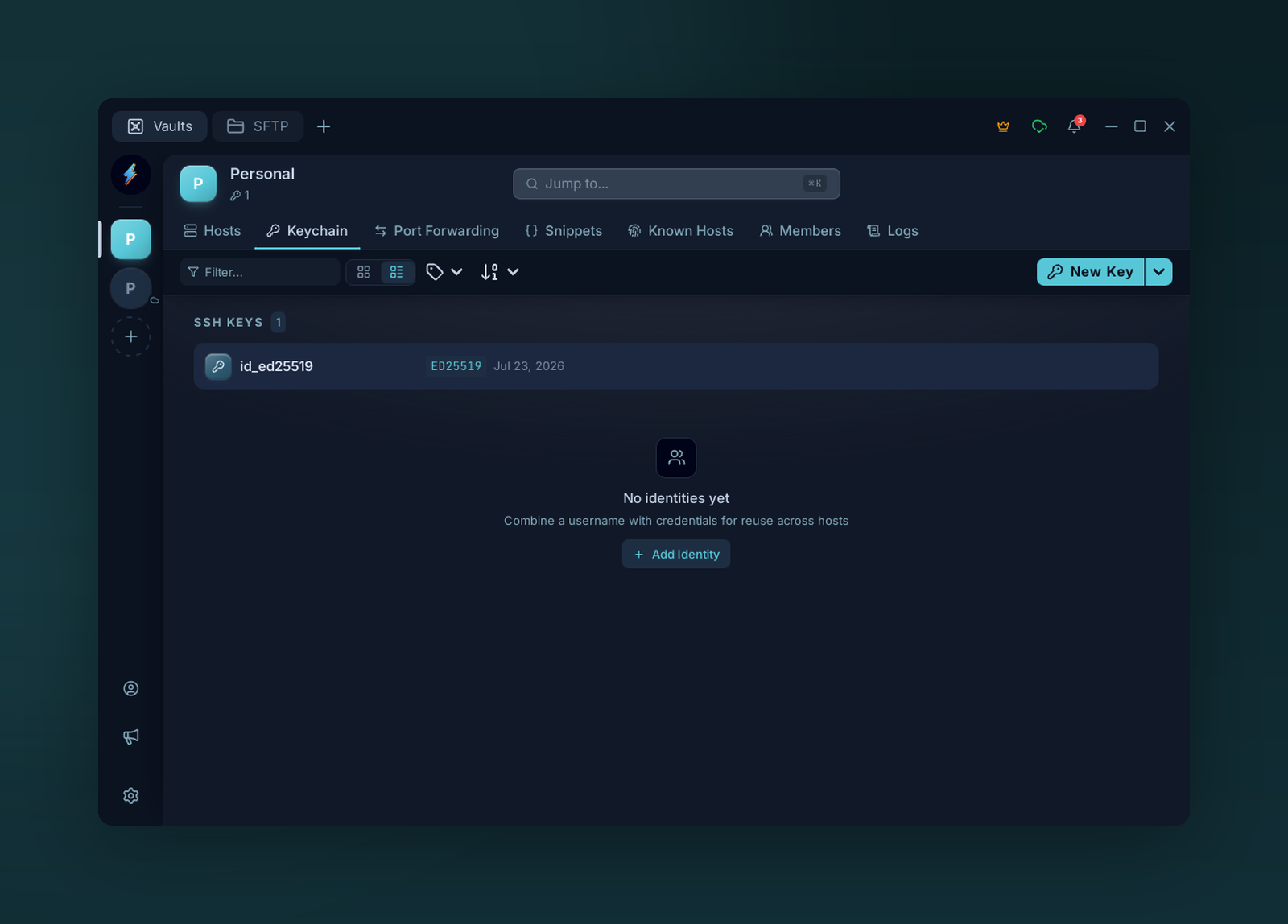
Keychain — reusable SSH key pairs, stored encrypted and attachable to any host.
Add a key
Keychain → Add key. Three options:
Pick a type and Voltius generates the pair:
- Ed25519 (recommended) — modern, short, fast.
- RSA 4096 — broadest compatibility.
- ECDSA P-256 / P-384 / P-521.
The public key is shown after generation — copy it to ~/.ssh/authorized_keys on your server.
Paste OpenSSH-format text (-----BEGIN OPENSSH PRIVATE KEY-----) or pick a file. Encrypted keys prompt for the passphrase, then re-encrypt under the vault key.
Same as Import but file-picker only.
Export
Right-click a key → Export → Public or Private. Private export prompts for a confirmation modal.
Warning
Exported private keys are written in cleartext. Use the OS keychain or a vault sync target as your backup mechanism instead.