Process manager
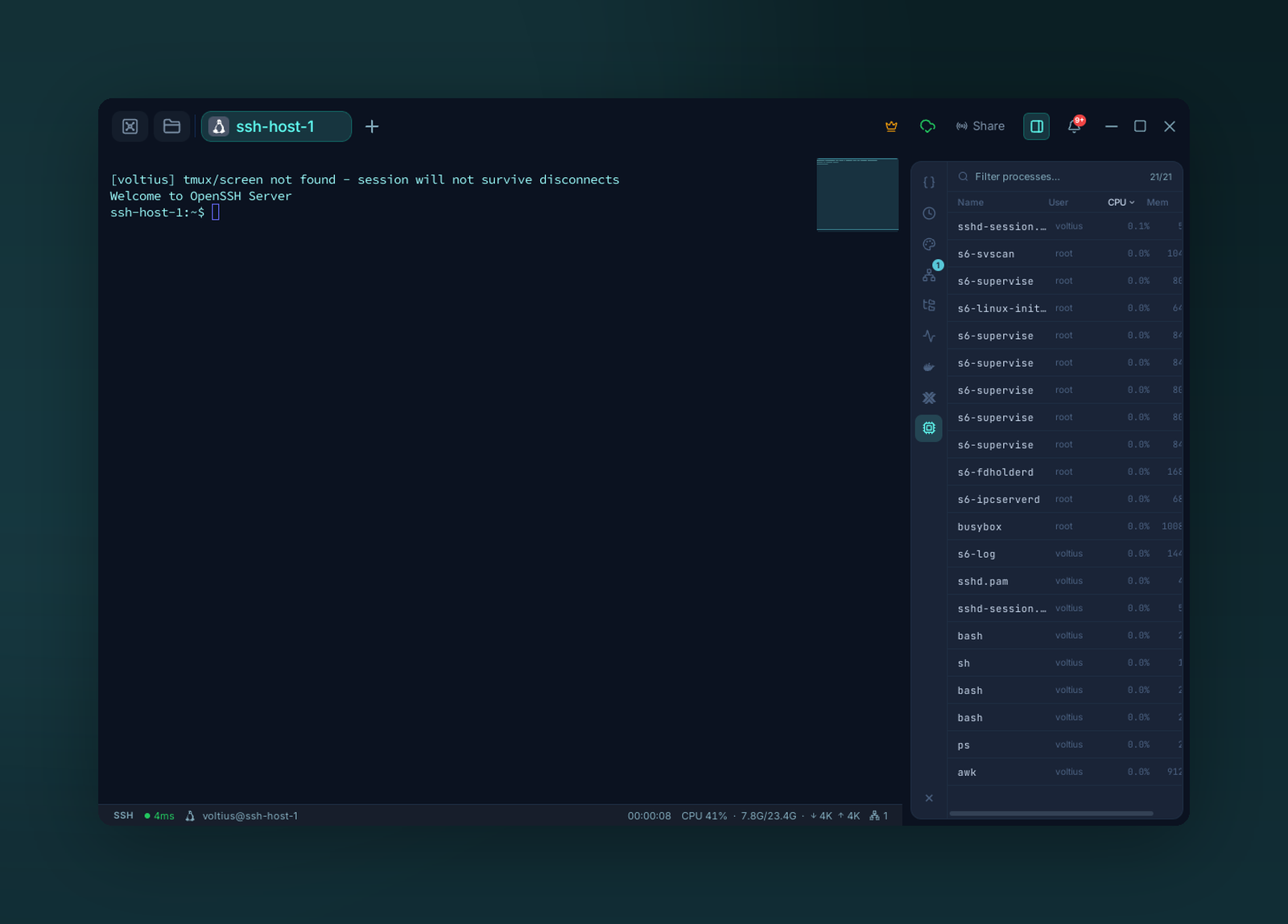
The process manager — filter and sort remote processes by CPU or memory, and signal them.
A live ps table with a UI.
Where
Right-side panel on any active session (Local, SSH, Docker exec). The panel auto-targets the session's host.
Columns
| Column | Notes |
|---|---|
| PID | Process ID |
| User | Owner |
| CPU % | Percent of one core |
| MEM % | Resident memory share |
| Command | Full command line |
Click any column to sort. The list refreshes every few seconds.
Actions
Right-click a row:
- Kill (SIGTERM)
- Force kill (SIGKILL)
- Copy PID / Copy command
Warning
The Process panel runs commands as the connected user. You can only kill what your user owns (unless you connected as root).