Themes
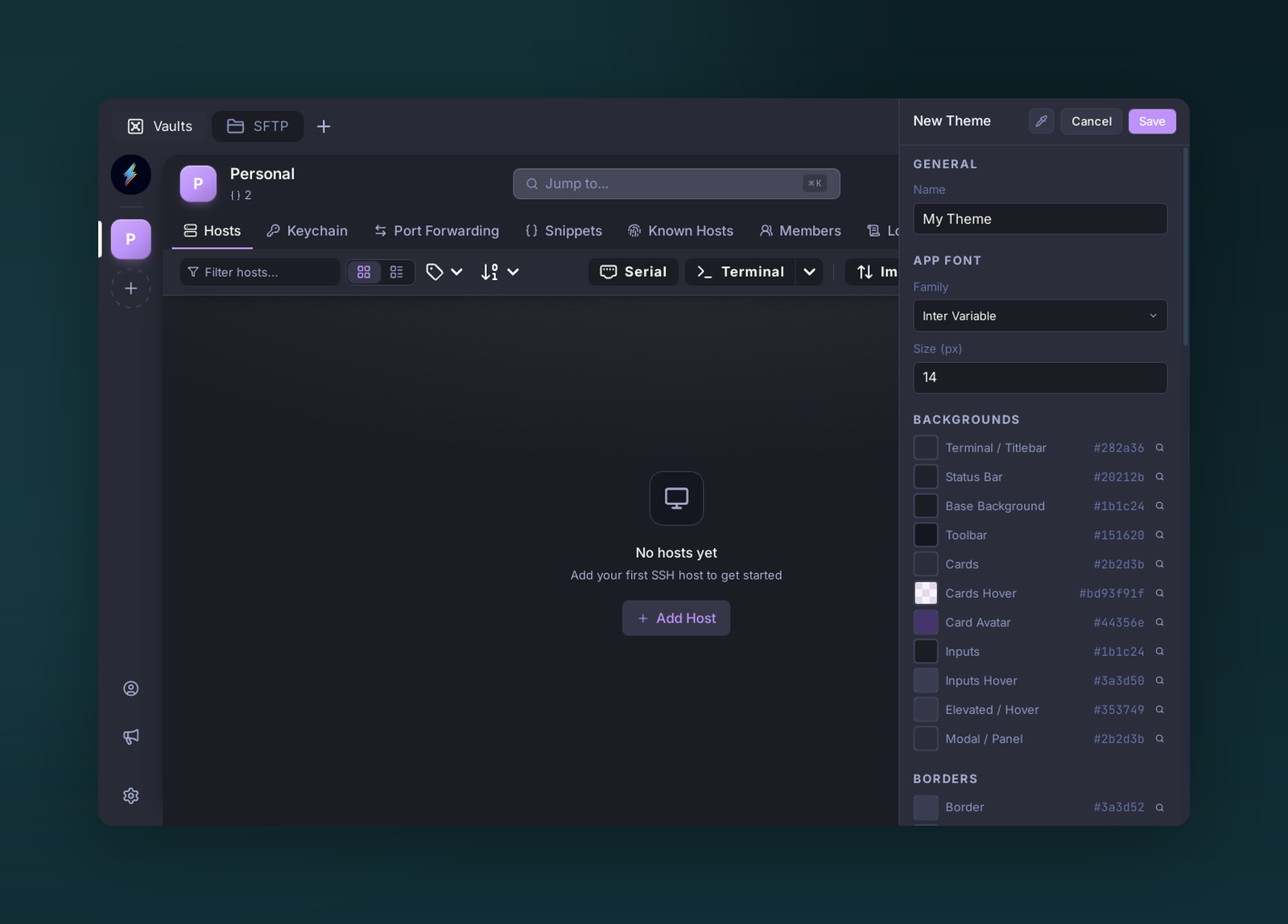
The Theme Creator — tune every surface color, font, and border to build a custom theme.
Both the UI and the terminal are themable from one place.
Switching themes
Settings → Appearance → Theme. Bundled themes ship with the app; more come from theme plugins in the marketplace.
Theme creator
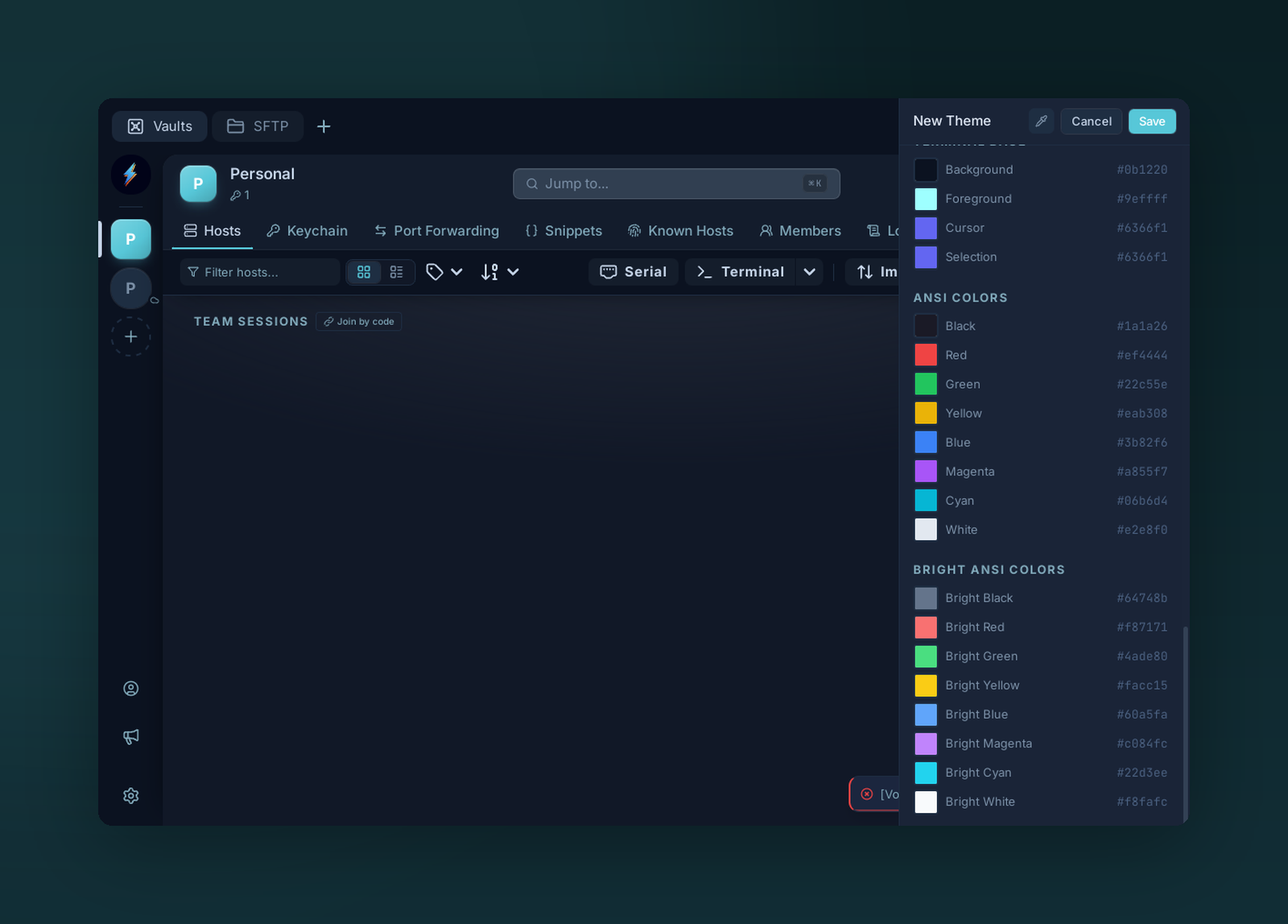
Scroll to the terminal section to set the ANSI and bright-ANSI palette your shell uses.
Settings → Appearance → Edit theme (or duplicate an existing one):
- UI section — background, foreground, borders, accent, panel chrome.
- Terminal section — background, foreground, cursor, 16 ANSI colors.
- Typography — font family + size.
Changes preview live. Export creates a JSON file you can share.
Distributing a theme
Themes are a plugin type. See Developing plugins → theme example and submit to the marketplace.
Tip
Drop a .json theme into $APP_DATA/themes/ to load it without packaging as a plugin — handy for iterating.