Terminal sharing
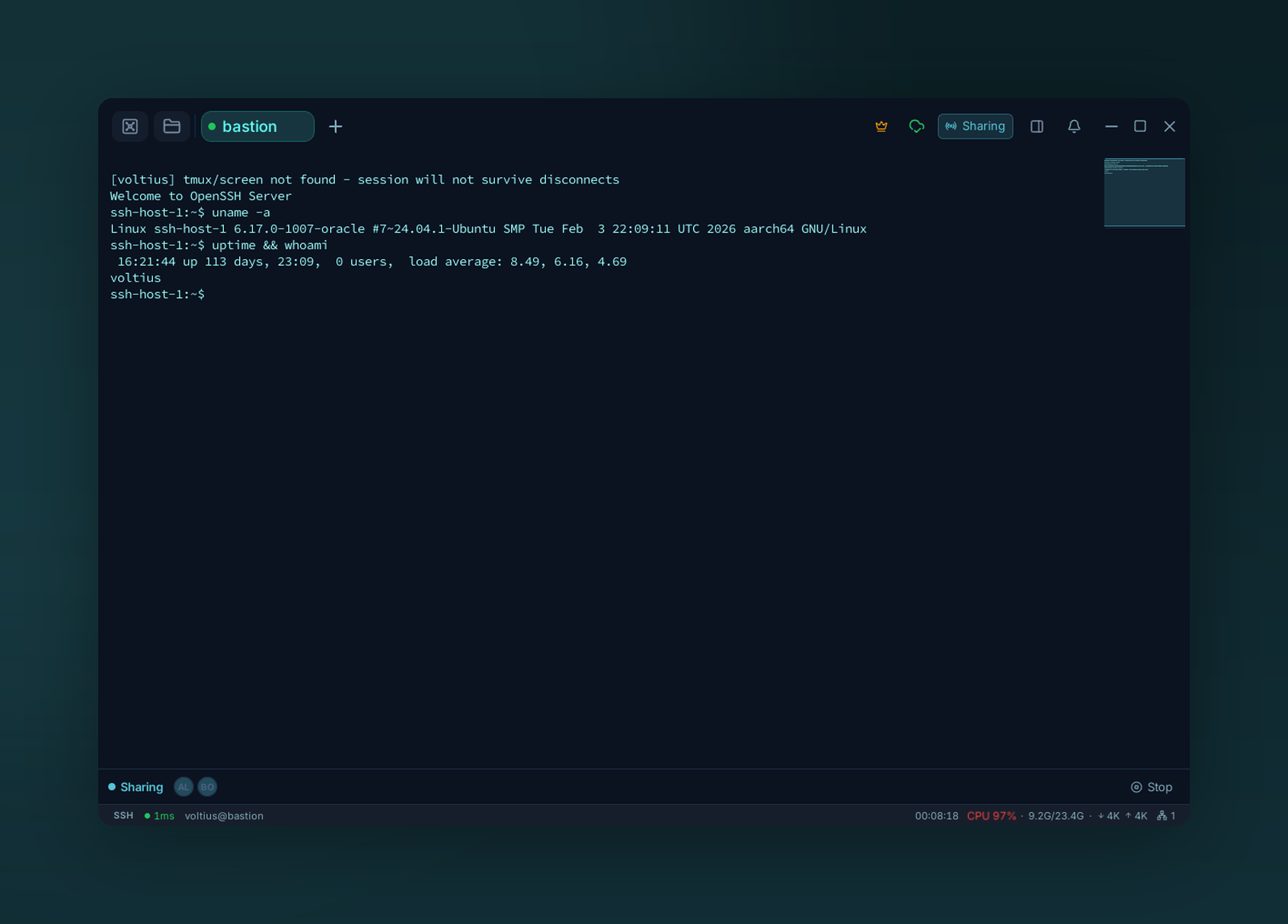
Share a live terminal with your team. Everyone in the session shows up in the bar — you keep control until you hand it off, and can stop sharing at any time.
See Terminal → Sharing for the user-side walkthrough. This page covers the org-level controls.
Org policy (Business)
Settings → Teams → Sharing.
| Policy | What |
|---|---|
| Allow sharing | Disable entirely if needed |
| Allow external guests | If off, only team members can join |
| Require approval | An admin must approve each share request |
| Record sessions | Persist keystrokes + output to audit |
| Max guests per session | Cap |
Audit
Every share opens an entry in the audit log with host, vault, joining members, and (if recording is on) the full session transcript.
Out-of-band auth
Share links are unauthenticated by themselves. Use the Require approval policy if you don't trust the channel guests get the link from.