Hosts
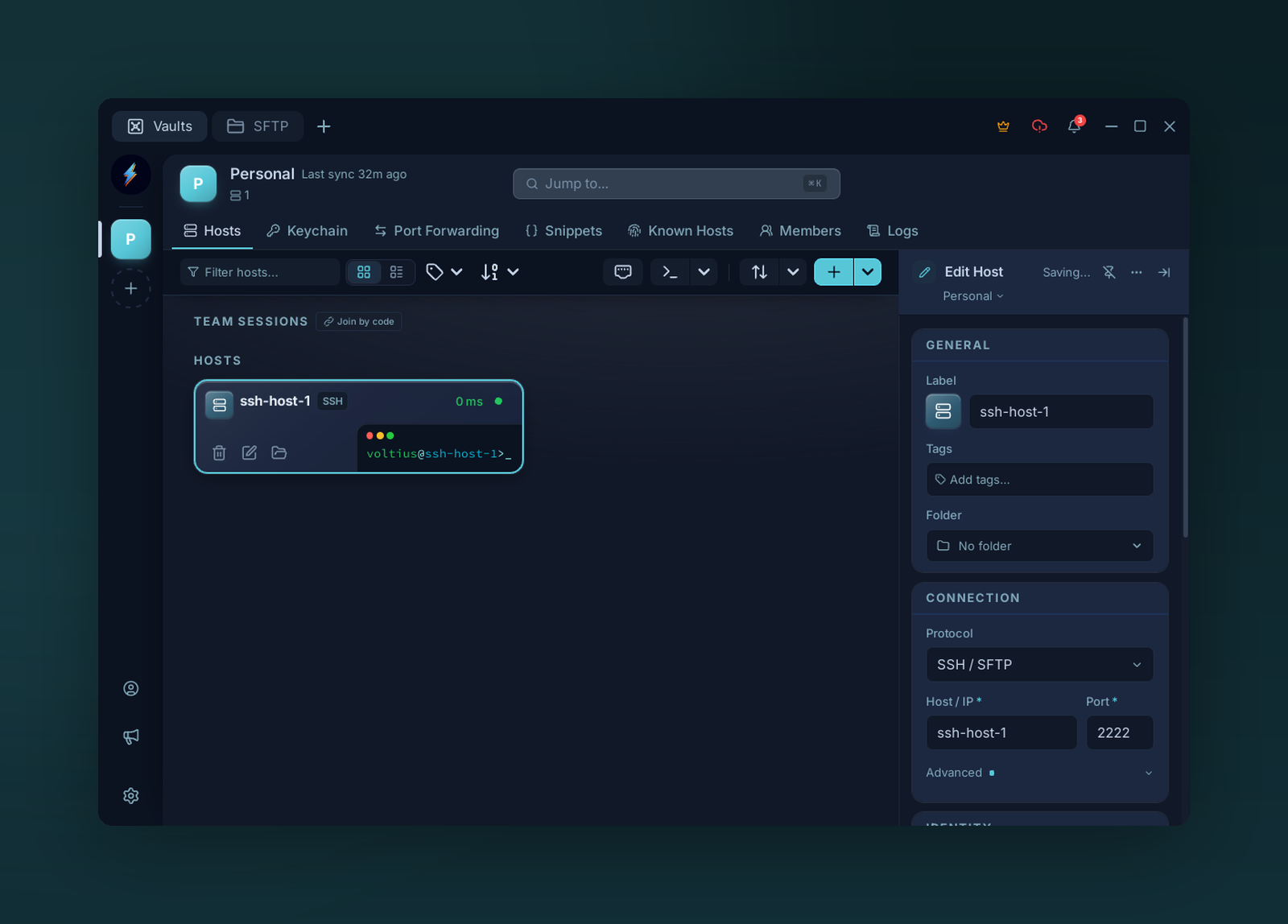
The Hosts page — toolbar, host list, and the detail panel for the selected host.
The default landing tab. One card per saved connection.
Toolbar
- Search — fuzzy match on name, host, username, tags.
- Add host — opens the connection form (see First connection).
- View — grid or list.
- Filter — by folder, vault, tag.
Card actions
Hover for inline actions; right-click for the full context menu:
- Connect — open a terminal tab.
- SFTP — open the file manager.
- Edit / Duplicate / Delete.
- Pin — sticky to the top of the list.
- Move to vault — re-key into a different vault.
Tip
Double-click a card to connect. Enter also connects from the keyboard.