Folders & tags
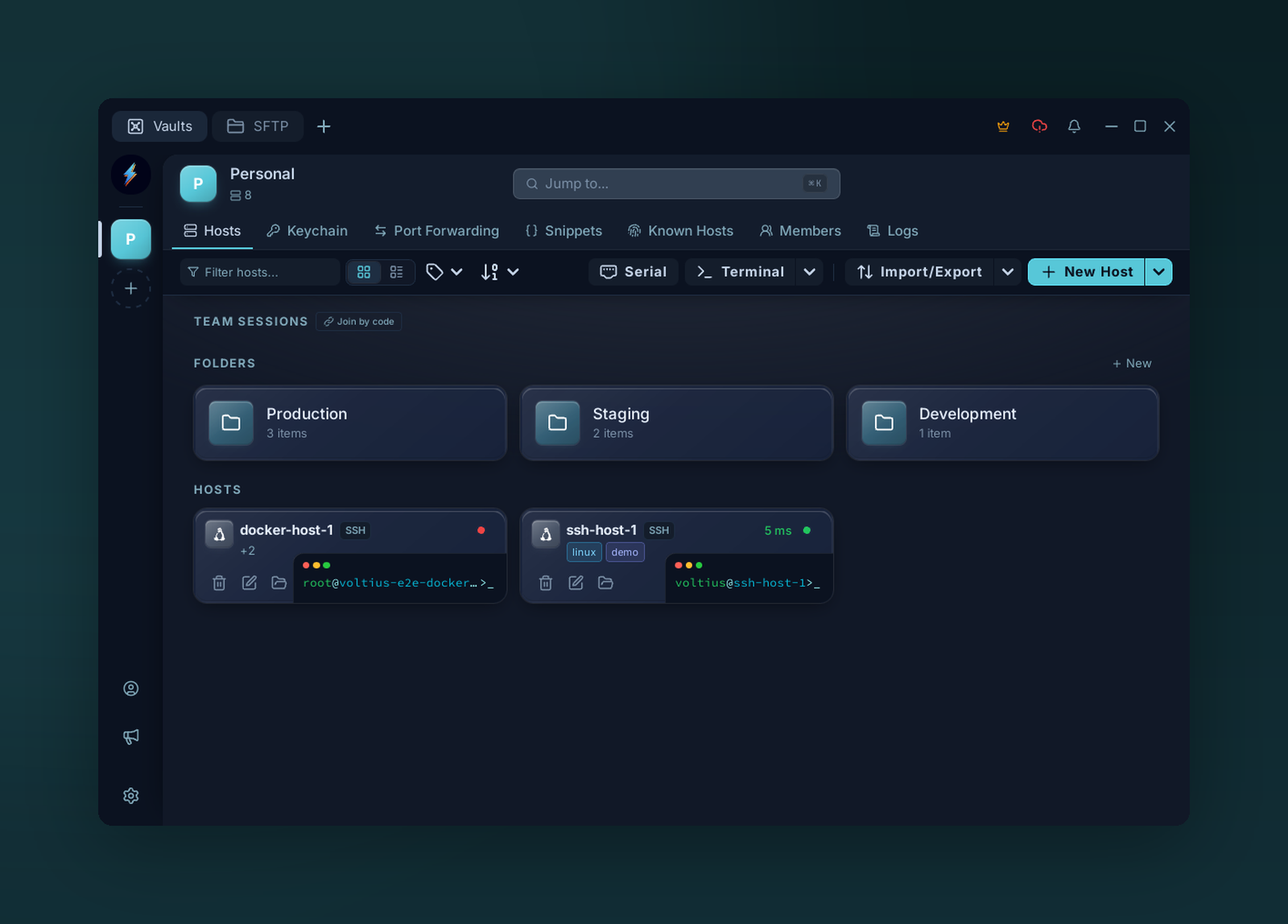
Group hosts into folders and label them with tags. Folders keep large host lists tidy; tags cut across folders so you can filter by role — web, db, staging — from anywhere.
Two ways to organize. Use both.
Folders
Exclusive — a host belongs to one folder. Best for stable groupings: Prod, Staging, Dev.
- Create from the Hosts toolbar → New folder.
- Drag a host onto a folder to move it.
- Folders can nest one level.
Tags
Multi-value labels. Best for cross-cutting axes: db, eu-west, customer-x.
- Add tags from the connection form (free text, auto-complete from existing tags).
- Filter the Hosts list by clicking a tag chip.
Tip
Folder for where it lives, tag for what it is. A host can be in folder Prod and tagged db, postgres, eu-west.