Members
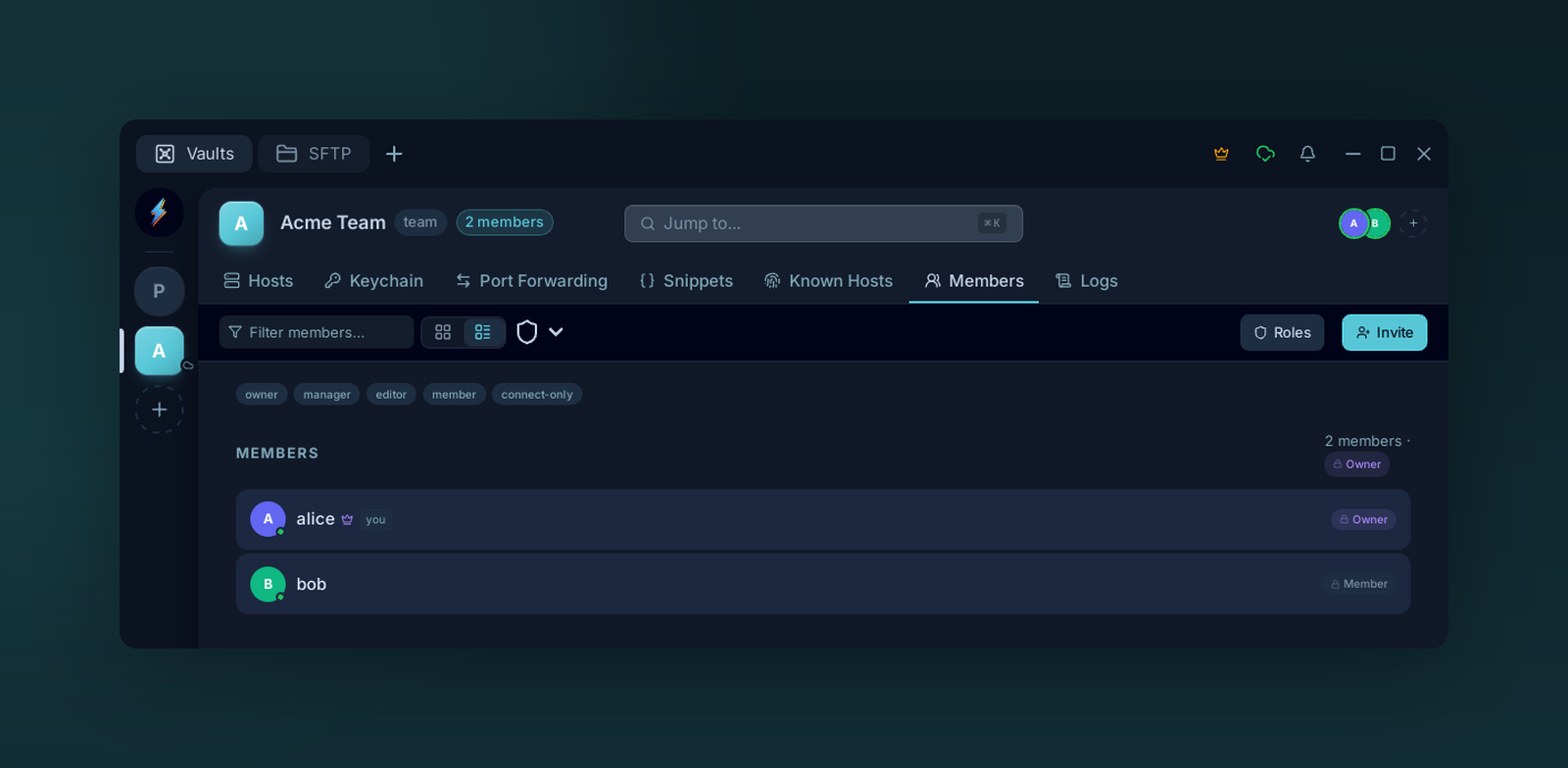
The Members tab lists everyone with access to the team vault and their role. Invite by email, filter by role, and manage seats from here.
Inviting
Members tab → Invite.
Enter an email. The invitee receives a sign-up link (via Resend). When they create an account, your vault keys are wrapped under their public key and pushed to them.
Pending invites appear at the top of the Members list until accepted or revoked.
Removing
Right-click a member → Remove.
- Their copy of every vault key is deleted server-side.
- They retain anything already cached locally (rotate secrets on real systems if needed — see Team vaults).
- The seat is freed in your subscription.
Seats
The Members tab shows seat usage in the header (e.g. 3 / 5 used). When you hit the cap, Buy more seats in the same header opens checkout. See Billing.
Tip
Invites stay open for 7 days. After that, revoke and re-invite.