Identities
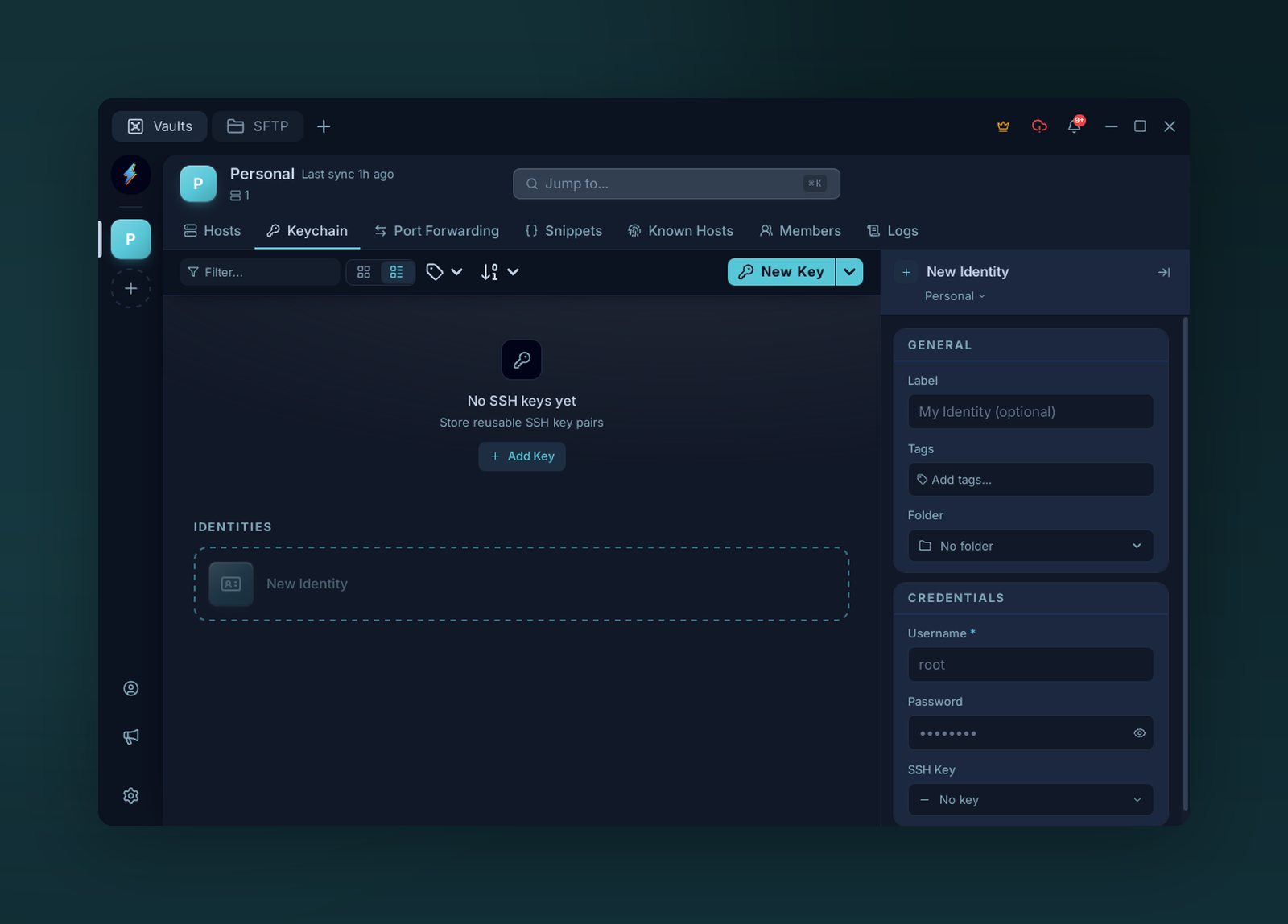
An identity bundles a username with a password or SSH key — reuse it across many hosts.
An identity = a username plus reusable credentials. It can use a password, an SSH key, or an inline key. Bind many hosts to one identity, and credential rotation is one edit.
Create one
Keychain → Identities → +, or + New from the identity picker in a connection form.
| Field | Notes |
|---|---|
| Name | Display label (e.g. ops-ed25519) |
| Username | Usually root, admin, ec2-user, your handle… |
| Password | Optional password for password-based SSH auth |
| Key | Optional SSH key; leave unset for password auth |
Using one
In a connection, pick an Identity. Voltius fills in the username and uses the identity's key if one is selected; otherwise it uses the identity password when present. Override per-connection by typing in the Username field.
Tip
Identities scope to a vault. A team vault's identity is shared with everyone who can decrypt that vault.